 Free Internet Speed Test for Sri Lanka - Check Your Wifi and Mobile Data Speed Instantly
Multi opens several parallel connections (closer to real-world browsing/streaming). Single uses one connection (shows the ceiling of a single stream/download).
Press GO to start your free speed test.
Your Network Details
Approximate location based on your public IP address not your precise GPS position.
Your Test History
| Time | Download (Mbps) | Upload (Mbps) | Ping (ms) | Jitter (ms) |
|---|
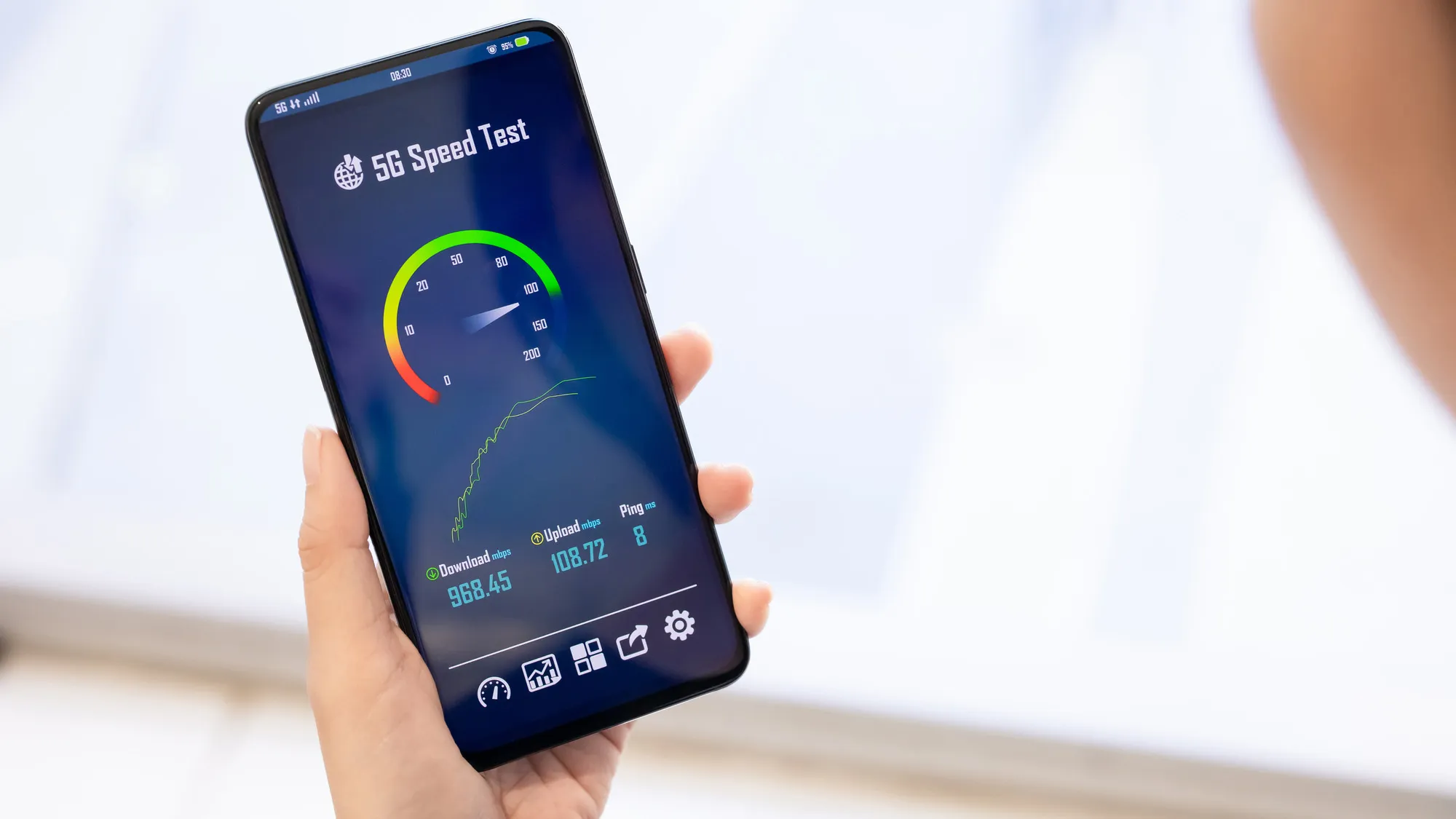
Whether you're on SLT fibre in Colombo, Dialog 4G in Kandy, or Mobitel broadband in Galle, our free speed test gives you real download speed, upload speed, ping, and jitter numbers in seconds, right in your browser, with no app install and no signup required.
Key Takeaways
- Sri Lanka's broadband and mobile data market has grown fast over the last few years, with fibre-to-the-home expanding well beyond Colombo into Kandy, Galle, Jaffna, and Kurunegala, and 4G coverage now reaching most of the island.
- Our tool measures four things that together describe your connection's real performance, and it does all of it live in your browser without installing anything.
- Raw numbers only mean something once you know what to compare them against.
- Sri Lanka's internet infrastructure has shifted decisively toward fibre over the past several years.
- A growing number of Sri Lankan households, especially outside the main cities, rely on 4G mobile data as their only home internet, using a mobile router or hotspot rather than a fixed fibre or ADSL line.
- A wifi speed test measures two things at once: your actual internet connection and your router's ability to deliver it wirelessly, and separating those two factors is the key to reading results correctly.
- Before you conclude your ISP is at fault, a handful of changes at home often close most of the gap between your plan speed and your test result.
- When a speed test result comes back well below what you're paying for, work through the likely causes in order rather than guessing.
Why Run an Internet Speed Test in Sri Lanka
Sri Lanka's broadband and mobile data market has grown fast over the last few years, with fibre-to-the-home expanding well beyond Colombo into Kandy, Galle, Jaffna, and Kurunegala, and 4G coverage now reaching most of the island.
But rollout speed on paper rarely matches what actually lands on your device. A speed test is the only objective way to know what you're getting versus what you're paying for.
If you're streaming a match on a weekend evening and the picture keeps buffering, working from home on a video call that keeps freezing, or gaming online and getting killed by lag despite a decent ping, a speed test turns a vague complaint into hard numbers you can act on.
It's also essential leverage when you call your ISP's support line: a support agent responds very differently to "my internet feels slow" versus "I'm getting 8 Mbps download on a 50 Mbps fibre plan, tested three times over two days.
" Beyond troubleshooting, running a quick test is useful whenever you're comparing internet plans before switching providers, verifying a new router or mesh wifi system is actually performing better, or just checking whether the connection can handle a big file upload for work or a 4K stream before you commit to it.
In a country where fibre, ADSL, 4G, and increasingly 5G all coexist as viable home internet options, an internet speed test is the one tool that cuts through marketing numbers and tells you the truth about your specific connection at this specific moment.
How This Speed Test Actually Works
Our tool measures four things that together describe your connection's real performance, and it does all of it live in your browser without installing anything.
First, it measures ping, also called latency, by sending small data packets to a nearby test server and timing how long the round trip takes in milliseconds. Lower ping means your connection reacts faster, which matters enormously for video calls, online gaming, and anything interactive.
Right alongside ping, it measures jitter, which is the variation in ping between consecutive measurements; a connection with a low average ping but high jitter will still feel unstable, causing stutter in calls and rubber-banding in games.
Next comes the download test, where the tool pulls data from a test server as fast as your connection allows, measuring the volume transferred per second and converting that into megabits per second, or Mbps.
This simulates what happens when you stream video, download a file, or load a heavy webpage.
The upload test works the reverse way, pushing data from your device to the server, which mirrors what happens when you're on a video call, uploading photos or work files to the cloud, or livestreaming.
All four measurements run through short bursts of parallel connections to get a realistic peak reading rather than a single slow thread that underestimates your true speed, and the results animate on screen in real time as charts so you can watch the numbers stabilize rather than just staring at a spinner.
On top of the raw numbers, the tool detects your ISP name and an approximate location using your IP address, so your result is automatically labelled with context like "Dialog Axiata, Colombo" instead of a meaningless number with no reference point.
How to Interpret Your Mbps, Ping, and Jitter Results
Raw numbers only mean something once you know what to compare them against.
Download speed in Mbps tells you how fast content comes to you: 5 to 10 Mbps is the bare minimum for standard-definition streaming and basic browsing, 25 to 50 Mbps comfortably handles HD streaming and video calls on a couple of devices, and anything above 100 Mbps is built for multiple simultaneous 4K streams, large downloads, or a busy household with many devices.
Upload speed in Mbps matters more than people expect, especially now that remote work, video calls, and cloud backups are routine; many Sri Lankan broadband plans, particularly older ADSL and some 4G packages, are asymmetric, meaning upload is a fraction of download, which is why a video call can lag even when download speed looks fine.
For ping, under 30ms is excellent and typical of fibre connections to a nearby server, 30 to 60ms is solid for most everyday use including casual gaming, 60 to 100ms starts to feel noticeable in fast-paced games, and above 100ms will cause visible lag in calls and competitive gaming.
Jitter should ideally stay under 10ms; anything higher means your connection's latency is inconsistent, which is often more disruptive than a merely higher but stable ping, because it produces unpredictable stutters rather than a constant, adjustable delay.
When you look at your results together rather than in isolation, you get a much better diagnosis: high download with high ping suggests a distant or congested route, while low download with excellent ping often points to a bandwidth cap or a busy home network rather than the ISP's backbone.
Sri Lanka's Internet Landscape: ISPs, Speeds, and Coverage
Sri Lanka's internet infrastructure has shifted decisively toward fibre over the past several years.
SLT (Sri Lanka Telecom) remains the largest fixed broadband provider through its SLT Fibre and PEO TV bundles, with plans commonly ranging from 25 Mbps up to 300 Mbps or more in fibre-covered areas, alongside legacy ADSL still serving areas fibre hasn't reached yet.
Dialog Broadband and Dialog Fibre have expanded aggressively, particularly in Colombo, Gampaha, and other Western Province districts, often bundled with Dialog's mobile and TV services.
Mobitel, the mobile arm of SLT, offers both fixed broadband and strong 4G coverage that many households outside fibre zones rely on as their primary connection.
Hutch and Airtel round out the mobile data market with competitive 4G pricing, and Airtel in particular has built a reputation for aggressive data bundles that make mobile broadband a genuine alternative to fixed lines in many areas.
SiyathaNet, Etisalat-descended Lanka Bell offerings, and other regional ISPs also serve specific pockets, particularly in Colombo and Kandy commercial districts.
Realistically, urban and suburban Western Province users on fibre routinely see 50 to 200 Mbps download, while users in Central, Southern, and Northern provinces depend more heavily on 4G or ADSL, with speeds more commonly in the 10 to 40 Mbps range depending on tower congestion and distance from exchanges.
Undersea cable capacity connecting Sri Lanka internationally has also improved, reducing the historic gap between local and international site speeds, though evening peak congestion between 7pm and 11pm still noticeably slows things down islandwide as households pile onto streaming and gaming simultaneously.
Mobile Data Speed Test vs Fixed Broadband: Which Should You Trust More
A growing number of Sri Lankan households, especially outside the main cities, rely on 4G mobile data as their only home internet, using a mobile router or hotspot rather than a fixed fibre or ADSL line.
Mobile connections can post impressive download numbers on a good day, sometimes rivaling entry-level fibre plans, but they behave very differently under pressure.
Mobile networks share capacity across every device connected to the same tower, so speeds can swing wildly depending on how many people nearby are also online, particularly during evening peak hours or in dense apartment blocks.
Fixed broadband, by contrast, is a dedicated line to your premises, so its performance is far more consistent test to test, even if the peak number is lower than a mobile connection's best-case reading.
This is why running a speed test on both, if you have access to both, gives you a much fuller picture: check your mobile data speed test in the morning and again around 8pm, and do the same for your fixed line, to see which is actually more reliable for your daily needs rather than which posts the higher one-off number.
If you're deciding between the two as a primary connection, weigh consistency and upload speed as heavily as the headline download figure, since video calls and cloud work depend far more on stability than on a fast burst reading.
How to Do a Proper Wifi Speed Test at Home
A wifi speed test measures two things at once: your actual internet connection and your router's ability to deliver it wirelessly, and separating those two factors is the key to reading results correctly.
Start by testing with a device connected directly to your router via ethernet cable if possible; this tells you the true speed your ISP is delivering with wifi removed from the equation entirely.
Then test the same device over wifi standing right next to the router, and again from the room where you actually use the internet most, such as a bedroom or home office.
If the wired result is far higher than the wifi result near the router, your router hardware or its wifi band settings are the bottleneck, not your ISP plan.
If wifi speed drops sharply as you move further from the router, that's a coverage problem, common in Sri Lankan homes with thick concrete walls and multi-floor layouts, and it's best solved with a mesh wifi system or a wifi extender placed partway between the router and the weak spot rather than by upgrading your internet plan.
Also check whether your router is broadcasting on the 2. 4GHz or 5GHz band: 5GHz gives much faster speeds at short range but doesn't penetrate walls as well, while 2.
4GHz reaches further but tops out lower and is more prone to interference from neighbours' networks in dense apartment buildings, which are increasingly common in Colombo.
Running the test at different times of day also reveals whether neighbouring wifi networks on the same channel are congesting your connection during peak hours.
Practical Tips to Improve Your Speed Test Results
Before you conclude your ISP is at fault, a handful of changes at home often close most of the gap between your plan speed and your test result.
Restart your router periodically; routers left running for weeks or months accumulate memory issues that quietly degrade throughput, and a simple power cycle every couple of weeks keeps performance closer to its best.
Position your router centrally and off the floor, away from thick walls, metal cabinets, microwaves, and other electronics that interfere with wifi signals; even moving a router from a corner cabinet to an open shelf can meaningfully improve coverage.
Close bandwidth-heavy background apps and browser tabs before testing, particularly cloud backup tools, torrent clients, and auto-updating apps, since these silently consume bandwidth and skew both your test result and your everyday experience.
If your router is more than four or five years old, consider that newer models support more efficient wifi standards and handle more simultaneous devices without slowing down, which matters increasingly as Sri Lankan households add smart TVs, security cameras, and multiple phones per person to the same network.
For fibre and cable users chasing the highest possible number, always test over a wired ethernet connection, since even a good router introduces some wifi overhead that a cable bypasses entirely.
Finally, if your plan and setup are both fine but results are still inconsistent, test at different times across a few days rather than relying on a single reading, since network congestion during Sri Lanka's evening peak hours can legitimately account for a large chunk of the difference you're seeing.
Troubleshooting a Slow Internet Connection Step by Step
When a speed test result comes back well below what you're paying for, work through the likely causes in order rather than guessing.
First, rule out your own network: turn off other devices downloading or streaming, then retest, since a single device silently updating in the background can consume most of your bandwidth without any obvious sign.
Second, test with a wired connection if at all possible, since this immediately tells you whether the problem is your wifi setup or the incoming line itself.
Third, check whether the slowdown is time-dependent by testing at different hours; if speeds only drop during evening peak hours, this points to network congestion either in your building's shared infrastructure or your ISP's local capacity, rather than a fault specific to your line.
Fourth, inspect your router's connected devices list for anything unfamiliar, since an unsecured or weakly secured wifi network can be quietly used by neighbours, especially in denser residential areas.
Fifth, if you're on ADSL, check your line quality and distance from the exchange, since ADSL speed degrades sharply with distance in a way fibre doesn't, and this is a common, under-recognised cause of chronic slow speeds in older or more rural Sri Lankan neighbourhoods.
If none of these explain the gap, gather two or three test results from different times of day, note the exact download, upload, and ping figures, and contact your ISP's support line with that data; most providers, including SLT and Dialog, are far more responsive when presented with concrete, repeated evidence rather than a general complaint, and can check line-side diagnostics or dispatch a technician if the fault is confirmed on their end.
Comparing ISPs and Plans Using Speed Test Data
If you're deciding between providers or plans, don't rely on advertised "up to" speeds alone, since those figures represent a best-case maximum rather than a typical result.
Instead, ask friends, neighbours, or colleagues on the plan you're considering to run a speed test at a similar time of day and share their real numbers, or if you're able to trial a connection, test it yourself at both a quiet hour and during evening peak before committing to a contract.
Pay close attention to upload speed when comparing plans, since many providers advertise download prominently while upload is a much smaller, less advertised number that matters enormously if you work from home, run video calls, or upload large files regularly.
It's also worth testing ping specifically if you play online games or use latency-sensitive work tools, since two plans with identical download speeds can behave very differently under load if one routes through a more congested path.
When switching providers, keep a simple log of your old connection's speed test results for a week before you cancel, so you have a fair baseline to compare against your new service, rather than relying on memory or a single test taken in different conditions.
This kind of side-by-side, real-data comparison is far more reliable than headline marketing numbers and will save you from switching to a plan that looks better on paper but performs the same or worse in daily use.
Speed Test for Businesses and Remote Workers in Sri Lanka
For freelancers, remote employees, and small businesses operating out of Colombo, Kandy, or anywhere else in Sri Lanka, a reliable internet connection isn't a convenience, it's core infrastructure, and the demands are different from typical home use.
Video conferencing tools like Zoom and Google Meet need consistent upload speed and low jitter far more than they need high download speed, so a plan that looks impressive on download but weak on upload can still produce choppy, freezing calls that frustrate clients and colleagues.
Cloud-based work, whether it's uploading design files, syncing large documents, or backing up to services like Google Drive or Dropbox, similarly leans hard on upload bandwidth that many standard home plans underprovision.
If your work depends on the connection, it's worth running a speed test at the exact times you typically have client calls or need to push large files, rather than only testing when the network is idle, since a connection that tests well at 10am can behave very differently at 8pm when the whole neighbourhood is streaming.
Businesses with heavier needs should also look specifically at business-grade fibre plans from SLT or Dialog, which typically offer more symmetrical upload and download speeds and often come with service-level guarantees that consumer plans don't, a meaningful difference if downtime directly costs you money or client trust.
Data Privacy and Why No Signup Is Required
Our speed test is built to give you an accurate result without asking anything of you in return.
There's no account to create, no email to hand over, no app to download and grant permissions to; you open the page, click test, and get your numbers.
The only information the tool uses is your IP address, which is used purely to estimate your ISP name and approximate city-level location so your result is properly labelled, the same way any website can see roughly where a visitor is connecting from.
This isn't stored, sold, or linked to any personal profile, and it isn't precise enough to pinpoint your exact address, just enough to tell you "this test was likely run on a Hutch 4G connection near Kandy" so the number means something in context.
That's a deliberate design choice: a speed test is something people often want to run quickly, sometimes several times a day while troubleshooting, and forcing a signup or install for that would work against the whole point.
It also means you can run the test from any device with a browser, a work laptop, a shared family computer, a friend's phone, without leaving an account trail behind, which matters if you're testing a connection that isn't your own, like at a relative's house or a rented apartment before signing a lease.
Frequently Asked Questions
Is this speed test really free and safe to use?
Yes. Our internet speed test runs entirely in your browser with no app install, no signup, and no personal data collection beyond your IP-based ISP and location detection, which is only used to label your result accurately.
What is a good internet speed in Sri Lanka?
For most homes, 25 to 50 Mbps download is comfortable for HD streaming and video calls. Fibre plans from SLT, Dialog, and SiyathaNet now offer 100 Mbps or more, which is ideal for multiple devices, gaming, and 4K streaming.
Why is my wifi speed test slower than my mobile data speed test?
This usually means a router, distance, or interference problem rather than an ISP issue. Test both on the same device close to the router; if wifi is much slower than your plan speed, the fault is inside your home network, not your line.
What is a good ping for gaming or video calls in Sri Lanka?
Under 30ms is excellent, 30 to 60ms is good for most gaming and calls, and anything above 100ms will feel laggy. Fibre and cable connections typically beat 4G and satellite links on ping.
Why does my speed test result change every time I run it?
Networks are shared and dynamic. Peak evening hours (7pm to 11pm), background downloads, wifi congestion, and even your ISP's local network load can all shift results by 10 to 30 percent between tests.
Does this tool work for checking 4G and 5G mobile data speed in Sri Lanka?
Yes. It works on mobile browsers over Dialog, Mobitel, Hutch, or Airtel data connections just as well as on wifi, so you can compare your fixed broadband against your mobile data speed test results directly.
How often should I run a speed test?
If your connection feels fine, a monthly check is enough. If you are troubleshooting, chasing an ISP for a refund, or just switched routers or plans, test at different times of day over two to three days for a reliable picture.
Can too many connected devices slow down my results?
Yes. Every phone, laptop, smart TV, and IoT device sharing your wifi eats into available bandwidth. For an accurate baseline reading, pause downloads and streaming on other devices before testing.
Should I test with wifi or a cable connection?
A wired ethernet connection gives the truest picture of what your ISP is delivering, since it removes wifi signal loss from the equation. Use wifi tests separately to judge your router's real-world performance around the house.
What does jitter mean and why does it matter?
Jitter measures how much your ping fluctuates between measurements. High jitter causes choppy video calls and laggy online games even when your average ping looks acceptable, so a low, stable jitter number matters as much as raw speed.